# About
Kobi Reporting is a powerful tool designed to simplify and streamline the creation of advanced reports. It offers intuitive features like customizable datasets, dynamic column management, and real-time updates to ensure your data stays accurate and organized. With options to group data, apply conditional formatting, and add automated summary rows, it delivers professional-grade reports tailored to your needs. Plus, reusable templates and seamless Excel export save time and make collaboration effortless.
The main user interface for accessing commands is the Ribbon. The command is located on the "Kobi Reporting" tab.

# Supported Platforms
Kobi Reporting can be used on following platforms:
- Autodesk Civil 3D®, versions 2021 - 2026
- Autodesk AutoCAD®, versions 2021 - 2026
- BricsCAD® Pro/BIM/Mechanical, versions V22 – V26
# Installation
Double click on executable file Kobi_Reporting.exe and run the application until setup window shows up.
Read the following Licence Agreement, select 'I accept the agreement' and press Next to continue.

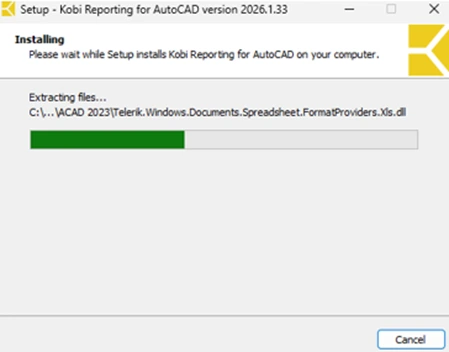
To begin with the installation, click on Install and wait until the process is done.

Click on Finish to complete the setup.