
# BIM Content

Place custom components from the radial menu with content in your library folder. Users can update the library folder path with Settings under Content Admin Kit.

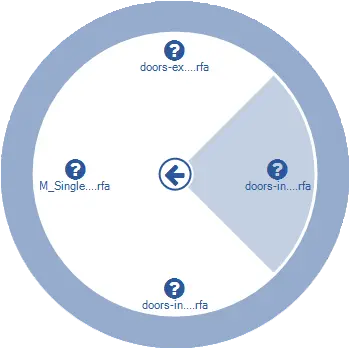
Click on the Content Admin Kit tab > Go to the Content Administration Kit panel > Click on BIM Content > BIM content radial menu > Select category > Select element Place element