
# Activating license
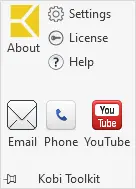
To Activate the license, select the Kobi Toolkit tab, click on the far-right panel Kobi Toolkit, and click on License.
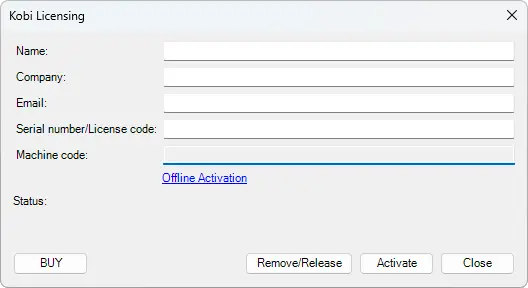
Fill in the requested information and click on Activate. After a short time, a validation should appear, displaying the remaining days of active license.
Kobi Toolkit > Kobi Toolkit panel > Click on License
← User interface Folder →