
# Execute Calculated Parameter

Displays the context menu with a list of calculated parameter definitions.
With the Execute Calculated Parameters, you get a heads-up display with a tiled overview of the calculation rules defined by the Calculated Parameters Manager. User can click on a tile to run the specific rule.
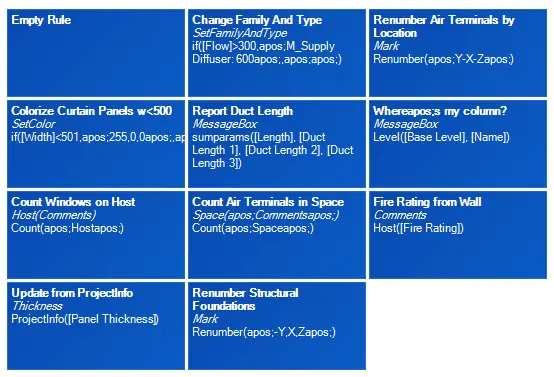
Click on the Content Admin Kit tab > Go to the Parameter Administration Kit panel > Click on Execute Calculated Parameter