
# Reload Families

Reload Families from the selected source folder. This tool will update changes in the project by overwriting graphics and/or parameters.
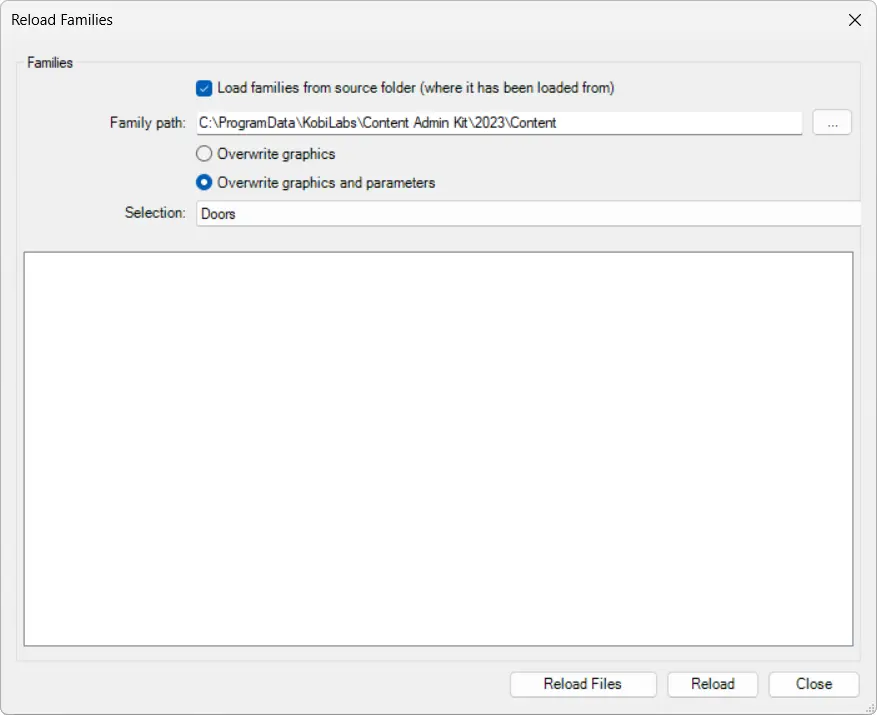
By ticking the checkbox, user can Load families from the source folder (where it has been loaded from) or select a different Family path to reload them from by clicking on  (three dots).
The Reload Families dialog box offers two options for overwriting: either Overwrite graphics or Overwrite graphics and parameters.
On the Selection dropdown, user can choose a Category or All Categories for reload. Another option is to select the families before reloading the tool and later you can select Selection on the dropdown.

Click on the Content Admin Kit tab > Go to the Parameter Administration Kit panel > Choose the content to select > Click on Reload Families