# Folder

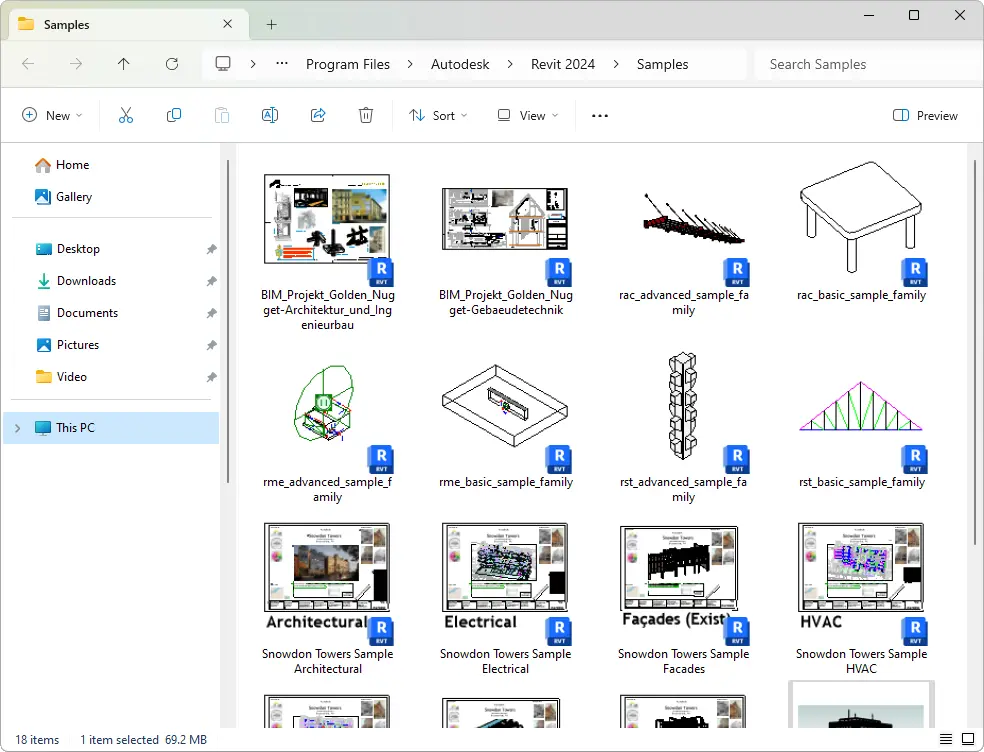
The tool opens the folder of the current project or family location in Windows Explorer, where the file is saved. The tool works on all files (RVT, RFA).
Click on the Kobi Toolkit tab > go to BIM Manager Panel > Click on Folder tool

The tool opens the folder of the current project or family location in Windows Explorer, where the file is saved. The tool works on all files (RVT, RFA).
Click on the Kobi Toolkit tab > go to BIM Manager Panel > Click on Folder tool