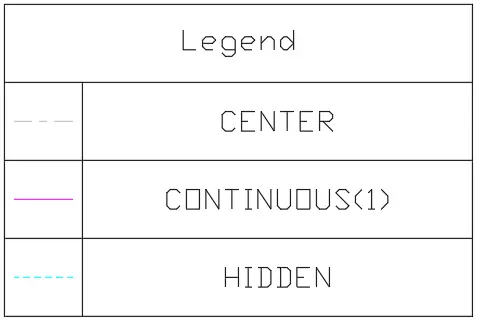
# Linetype Legend
Command Description
The "Linetype Legend" command creates a legend of linetypes used in the drawing. Users are able to create legends directly in paper space and select items directly from there. Legends can be updated automatically based on the defined area or Viewport. Optionally include a count column, and save item descriptions and item order for future reuse.
To create linetype legend
Click Kobi Toolkit for AutoCAD tab > Annotation > Linetype Legend
 .
.
Select lines manually using checkbox.
- Click
 to select lines from drawing
 - Click
 to deselect lines from drawing
 - Click
 to select all lines
 - Click
 to deselect all lines
 - Click
 to open settings.
- Click
In a drop-down menu select predefined table style
Specify the title of the linetype legend
Select the location for the upper-left corner of the table in the drawing.