
# View Utils

Advanced view utilities.
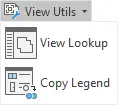
- View Lookup

Allows user to quickly find, preview, and open the existing views.

Once the desired view is identified, it can be opened by selecting Open View.
Click on the Kobi Toolkit tab > Go to View panel > View Utilis > Select View Lookup > Go through view previews and select the view you want to open > Click Open View
- Copy Legend

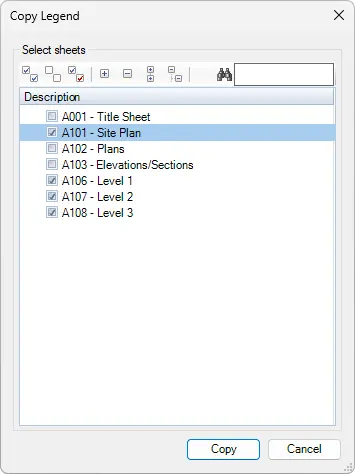
Copies selected legends from one sheet to other selected sheets.
Once the desired view is identified, it can be opened by selecting Open View.
Select Legend you want to copy > Click on the Kobi Toolkit tab > Go to View panel > View Utilis drop-down menu > Select Copy Legend > Select the sheets you want to copy the legend on to > Click Copy
← Zoom To Crop Region →