
# About
Kobi Swept Path is a powerful tool for vehicle swept path analysis, designed to ensure safe and efficient maneuvering in intersections, roundabouts, parking lots, airports, and more. It offers intuitive workflows, precise simulations, and real-time adjustments to streamline your analysis. With features for testing various scenarios and optimizing vehicle paths, it helps you make informed decisions quickly. Plus, an easy-to-use interface and seamless integration with your CAD environment make swept path analysis faster and more accurate than ever.
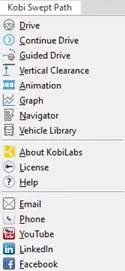
The main user interface for accessing commands is the Ribbon. Commands are located on the "Kobi Swept Path" tab.

All commands are also accessible through Kobi Swept Path menus.
# Supported Platforms
Kobi Swept path can be used on following platforms:
- Autodesk Civil 3D®, versions 2021 - 2026
- Autodesk AutoCAD®, versions 2021 - 2026
- BricsCAD® Pro/BIM/Mechanical, versions V22 – V26
# Installation
Double click on executable file Kobi_Swept_Path.exe and run the application until setup window shows up.
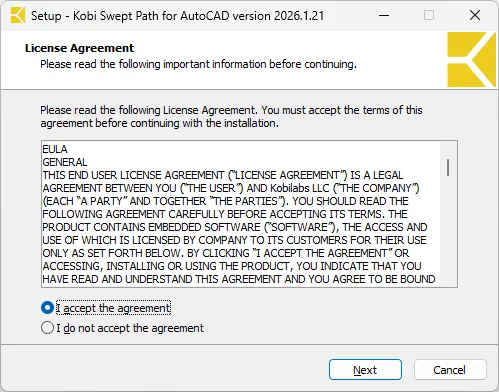
Read the following Licence Agreement, select 'I accept the agreement' and press Next to continue.
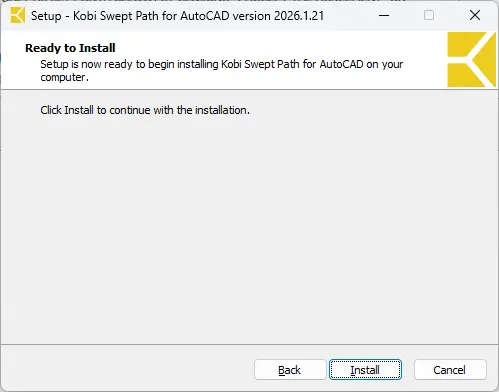
To begin with the installation, click on Install and wait until the process is done.
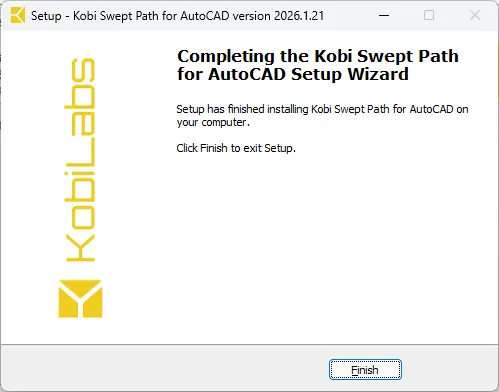
After completion, click on Finish to complete the setup.
Drive →