
# Introduction
Kobi Signs and Stripes is professional Traffic Signs, Guide Signs and Road Markings design software. It allows you to create and edit 2D plans and 3D elements of Signs and Markings. Automatic import of Signs from SHP file is enabled and therefore saving of valued time. Custom Guide Signs can be created from pre-defined library of Blocks, Arrows, Symbols and Texts. 3D elements can be projected to the TIN Surface, which is a good basis for creating realistic visualizations and further analyses, e.g. in Navisworks and Twinmotion.
In Kobi Signs and Stripes, the user can create custom libraries of Signs and Markings to meet specific project requirements. The user can easily create a Traffic Signs and Markings Report and update it as necessary during the design process. The main user interface for accessing commands is the Ribbon. Commands are located on the "Kobi Signs and Stripes" tab.
# Supported Platforms
Kobi Signs and Stripes can be used on following platforms:
- Autodesk Civil 3D®, versions 2021 - 2026
- Autodesk AutoCAD®, versions 2021 - 2026
- BricsCAD® Pro/BIM/Mechanical, versions V22 – V26
# Installation
Double click on executable file Kobi_Signs_and_Stripes.exe and run the application until setup window shows up.
Read the following Licence Agreement, select 'I accept the agreement' and press Next to continue.

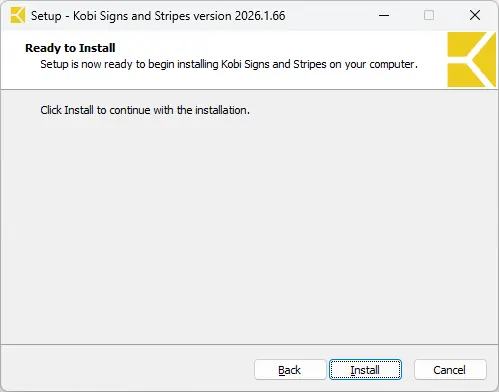
To begin with the installation, click on Install and wait until the process is done.
After completion, click on Finish to complete the setup.
