
# Remove Markings
Command Description
The “Remove Markings” command removes the selected Marking.
To remove Markings
Click Kobi Signs and Stripes tab > Markings panel > Remove Markings
 .
.Select any marking in a drawing or select an option [Handle] to enter the Markings handle.
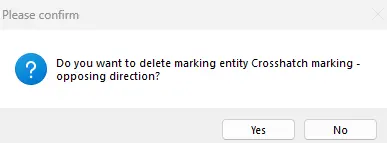
Confirm the deletion of the selected Marking.
 .
.